Detailed tour

How Sensemaker turns messy speech into durable structure and usable drafts.

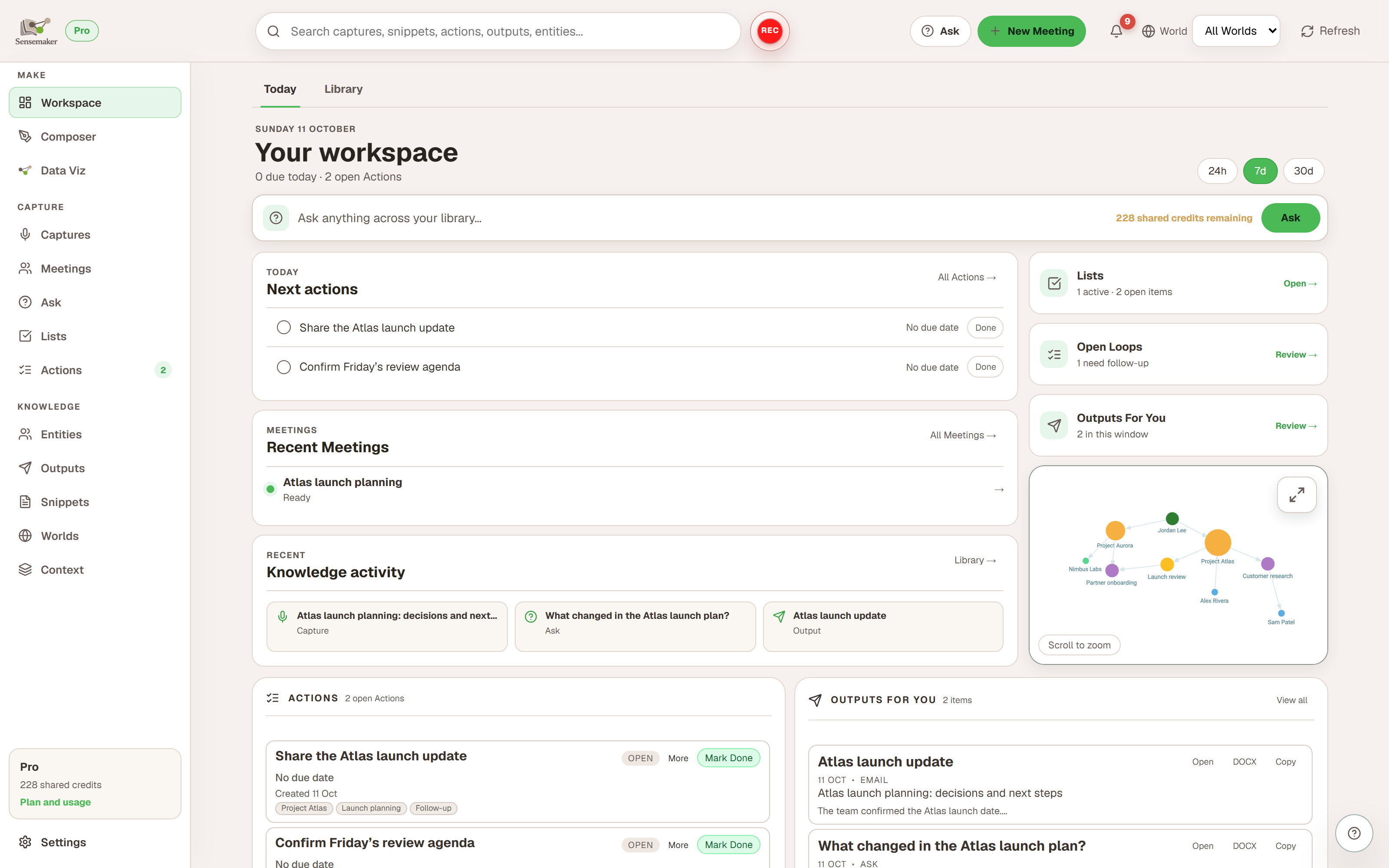
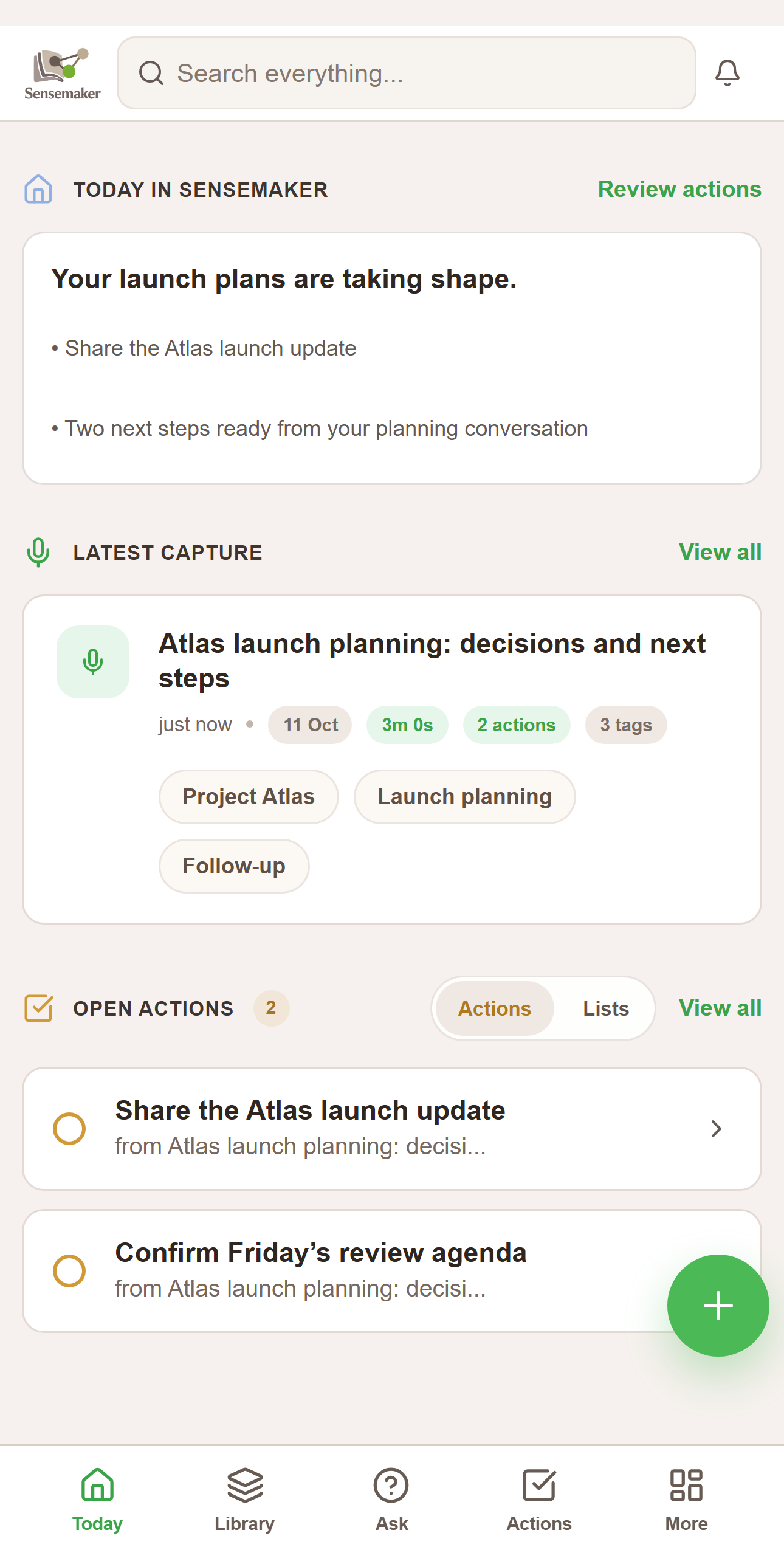
Sensemaker is designed so you can record a stream-of-consciousness capture and still get clean results: entities, relationships, to-dos, info snippets, and outputs (draft artifacts) you can use immediately.

Entities + relationships Outputs Open Loops Worlds Context + Guidance

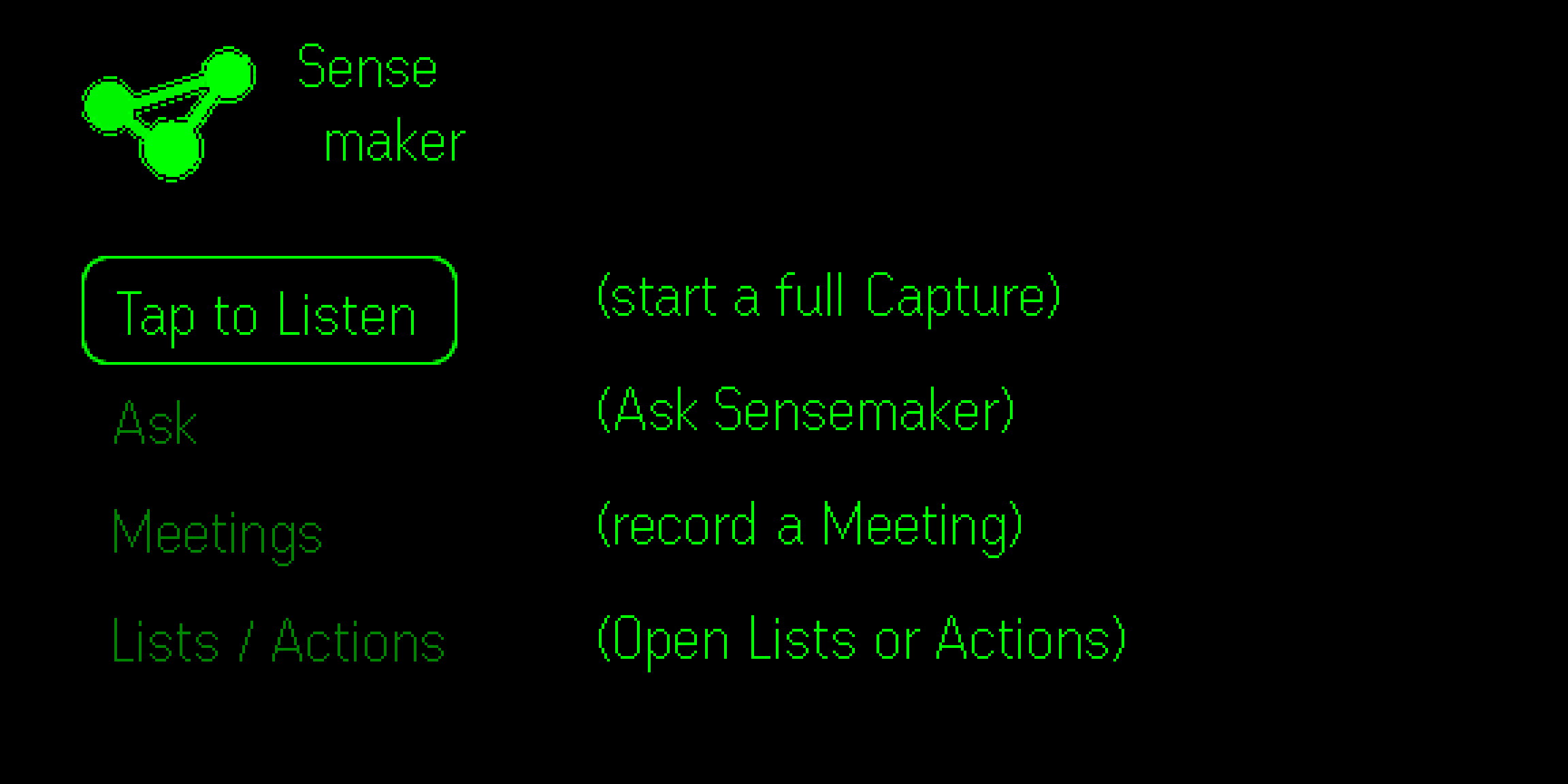
Capture on glasses (G2 + ring-first navigation)

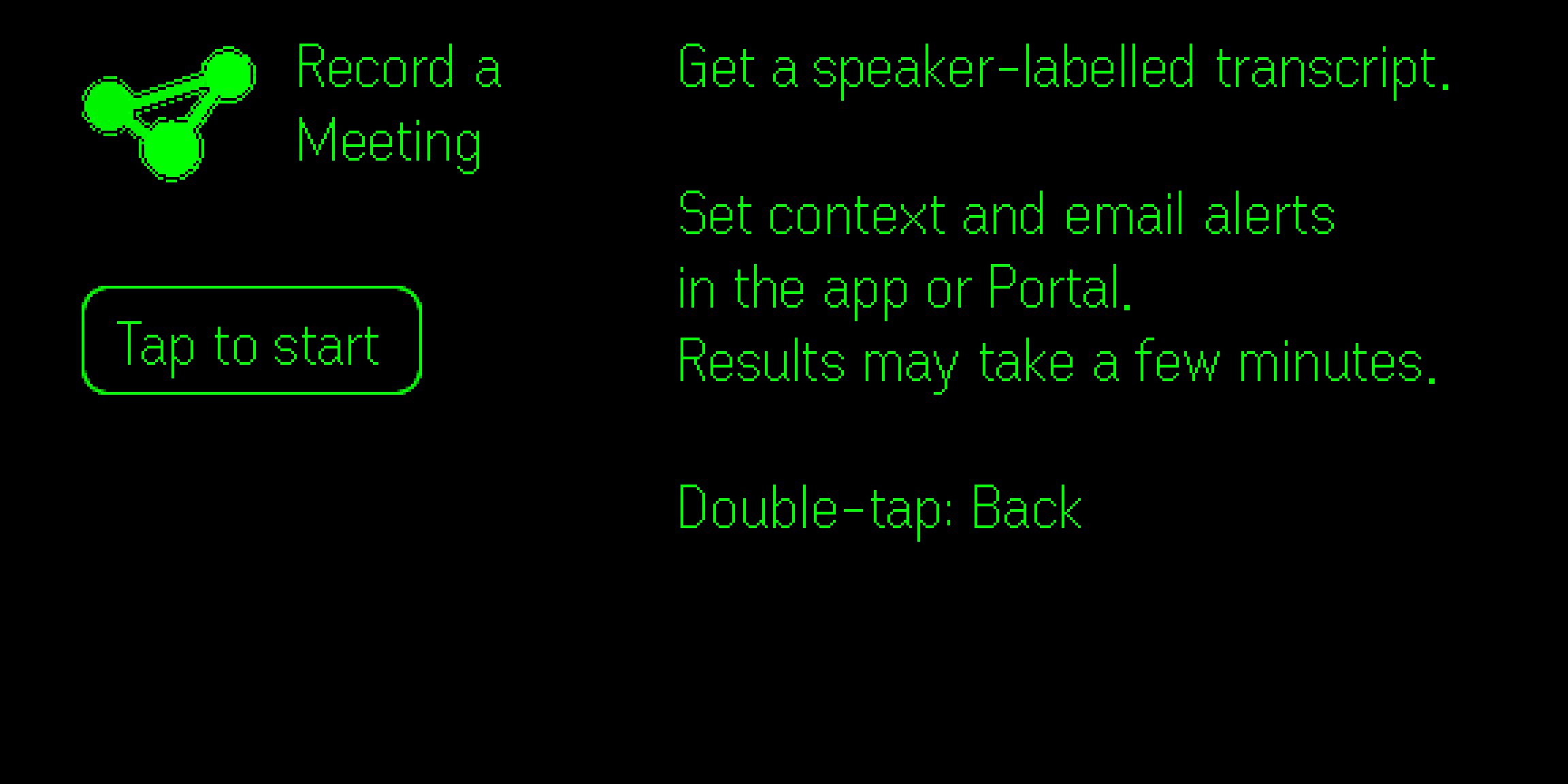
Sensemaker is built to minimize friction at the moment of capture. Record fast, speak naturally, and let the processing layer do the work.

Stream of consciousness is OK

You don't have to organize your thoughts while speaking. The A.I. processing layer extracts structure after the fact.

One topic or many

Ramble on! Sensemaker's A.I. processing of your note can extract tasks, requested outputs, things to remember, and other helpful info. No need to keep things clean, Sensemaker will make sense of it.

Minimal on-glasses UI

The glasses UI is intentionally lightweight; the Web Console is the place for review and work with your Captures, Action items, and generated documents.

A.I. processing layer

Sensemaker's core value comes from processing: transcription, extraction, and generation. Beta V2.0 includes 20 hosted ingest runs; after that, add your own OPENAI_API_KEY (BYOK).

What gets extracted from a capture

From a single recording, Sensemaker can produce:

Transcript Summary Entities Relationships Actions Info Snippets Outputs (drafts) Open Loops

Context-rich interpretation

Every piece of audio you send to Sensemaker, short or long, receives context-rich treatment by a team of A.I. interpretation specialists. They are armed with an always-improving relational database about your world, so extractions and outputs become more accurate and relevant over time.

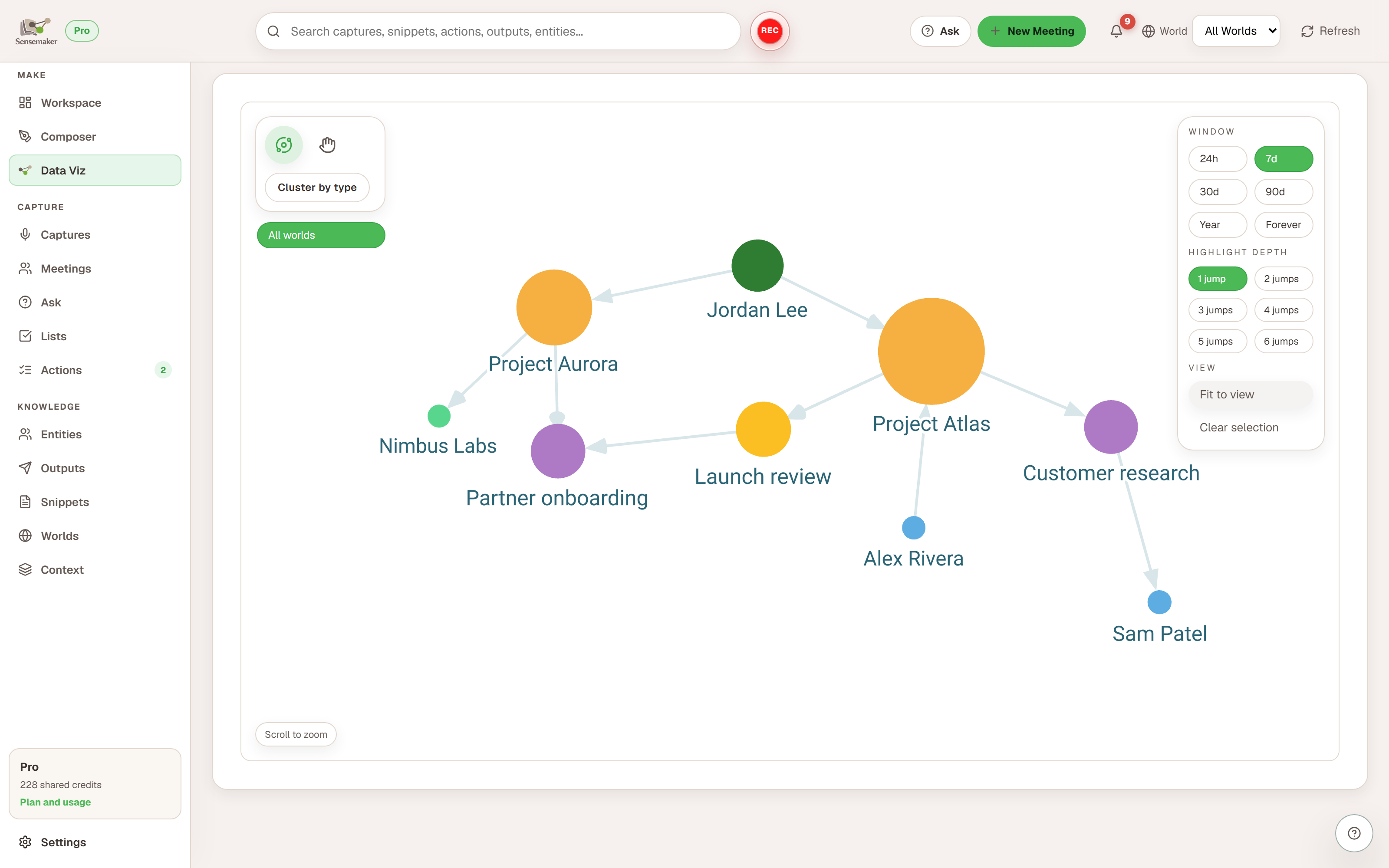
Entities + relationships (a personal knowledge graph)

Sensemaker keeps a durable, queryable graph of people, projects, topics, places, and tasks. Relationships connect entities with semantic meaning (and can include evidence).

Entities

People, orgs, projects, topics, places, and tasks referenced across captures.

Relationships

Edges between entities (works with, linked, owns, related to...) with optional semantics like strength/polarity.

Merge + dedupe

Keep a single canonical entity over time (for example: "Danielle" and "Dani").

Outputs (Sensemaker "completes" the next step)

Outputs are draft artifacts generated from captures (emails, messages, docs, and custom types). Helps move you from “I said I would do it” to “here’s the draft.”

Output types

System types (Email, Message, Doc) plus custom types with format hints (tone/structure).

Access anytime

Outputs live in a library and can be reviewed independently from captures.

Better with context

Foundational Context and Guidance improve drafting quality and consistency.

Open Loops (high-signal follow-ups)

Open Loops are actionable follow-up threads extracted from captures: questions, decisions, mismatches, and explicit gaps. They’re designed to be high signal, not generic “missing detail.”

Questions

Unanswered questions that drive a real-world next step.

Decisions

Places where you need to choose a path forward.

Mismatches

Contradictions or inconsistencies that should be resolved.

Worlds + Context + Guidance

Worlds are context lenses (Work, Family, etc) for filtering and organization. Context and Guidance influence how captures are interpreted and how outputs are drafted.

Worlds

A capture can belong to multiple worlds. Worlds can also apply to derived items for better filtering.

Foundational Context

Durable background (name, time zone, acronyms, frequent people/topics) to improve interpretation.

Guidance + Active Guidance

Short instruction-like context. Time-bound entries become Active Guidance while they're active.

Context uploads + review

Upload docs (txt/md/pdf/docx). Sensemaker will extract key details to store as context to make its work for you maximally accurate and relevant.

Upload flow (beta)

1
Upload document
Add a txt, md, pdf, or docx file.
2
Parse
Sensemaker extracts candidate facts, entities, and structured details.
3
Pending suggestions
New items land in a review queue rather than applying silently.
4
Review
Spot check, and edit if needed before accepting.
5
Accept or Dismiss
Only accepted items become part of your Context.

OpenClaw integration (MCP)

Open Claw logo Integrates with OpenClaw

What it is

Sensemaker can expose an MCP HTTP server so OpenClaw can read your Sensemaker data and its rich relational database. It also supports a write action to allow your OpenClaw to create a new capture-like entry that Sensemaker will process and integrate into your Sensemaker database.

When to use it

  • List recent captures, outputs, and entities from your Sensemaker workspace.
  • Create a new capture from a transcript text input object for Sensemaker to ingest.

Beta endpoints

Local endpoints (self-hosted beta):

Web Console: http://localhost:5173/
G2 Harness: http://localhost:5173/g2/
API: http://localhost:8788/
Ingest (local): http://localhost:8787/
MCP: http://localhost:8790/mcp

Hosted endpoints:

Core: https://core.sensemaker-app.com
Ingest (hosted): https://ingest.sensemaker-app.com

Beta V2.0 self-host (Docker)

Sensemaker Beta V2.0 is self-hosted. You will receive a unique Instance Key by email after signup. Beta V2.0 includes 20 hosted ingest runs per Instance Key; after that, add your own OpenAI key in Settings or run local ingest.

Setup commands

Check your onboarding email for the exact commands.