
Import from Readwise Reader
Connect your Reader account, then select Sync now to import documents into Inbox. Review the imported items and their processing state.
Set up Readwise ReaderConnections
Capture directly, add files and links, use Sensemaker on G2 through Even Hub, or connect a compatible AI client through MCP.
Readwise Reader and Todoist are optional hosted connections. Settings shows which connections are available to your account. Imports and exports are manual, not automatic two-way sync.
Connect your Reader account, then select Sync now to import documents into Inbox. Review the imported items and their processing state.
Set up Readwise ReaderSend one Action from Companion, or unchecked List items from Portal or Companion, to your Todoist Inbox. Completed and previously sent List items are skipped. Later edits and completion do not sync between the apps.
Connect Todoist and send tasksSave a Capture as a Markdown note or file. Move it into your vault. No Obsidian plugin or ongoing vault sync is required.
Export to ObsidianGive a compatible client scoped, read-only access to your hosted Sensemaker workspace.
Manage MCP accessCreate a token in Portal and follow the setup guide for a supported MCP client.
Choose an AI clientWrite a note, save a link, or add supported files and ZIP archives.
Open Sensemaker from Even Hub to Capture, record Meetings, Ask, and use Lists or Actions.
Use the documented MCP and API paths for your own workflows.
Read the OpenAI API guideRun the free local stack when you want to manage the infrastructure yourself. Readwise Reader and Todoist are not part of the standalone stack.
Read the self-hosting guideOne connected workspace
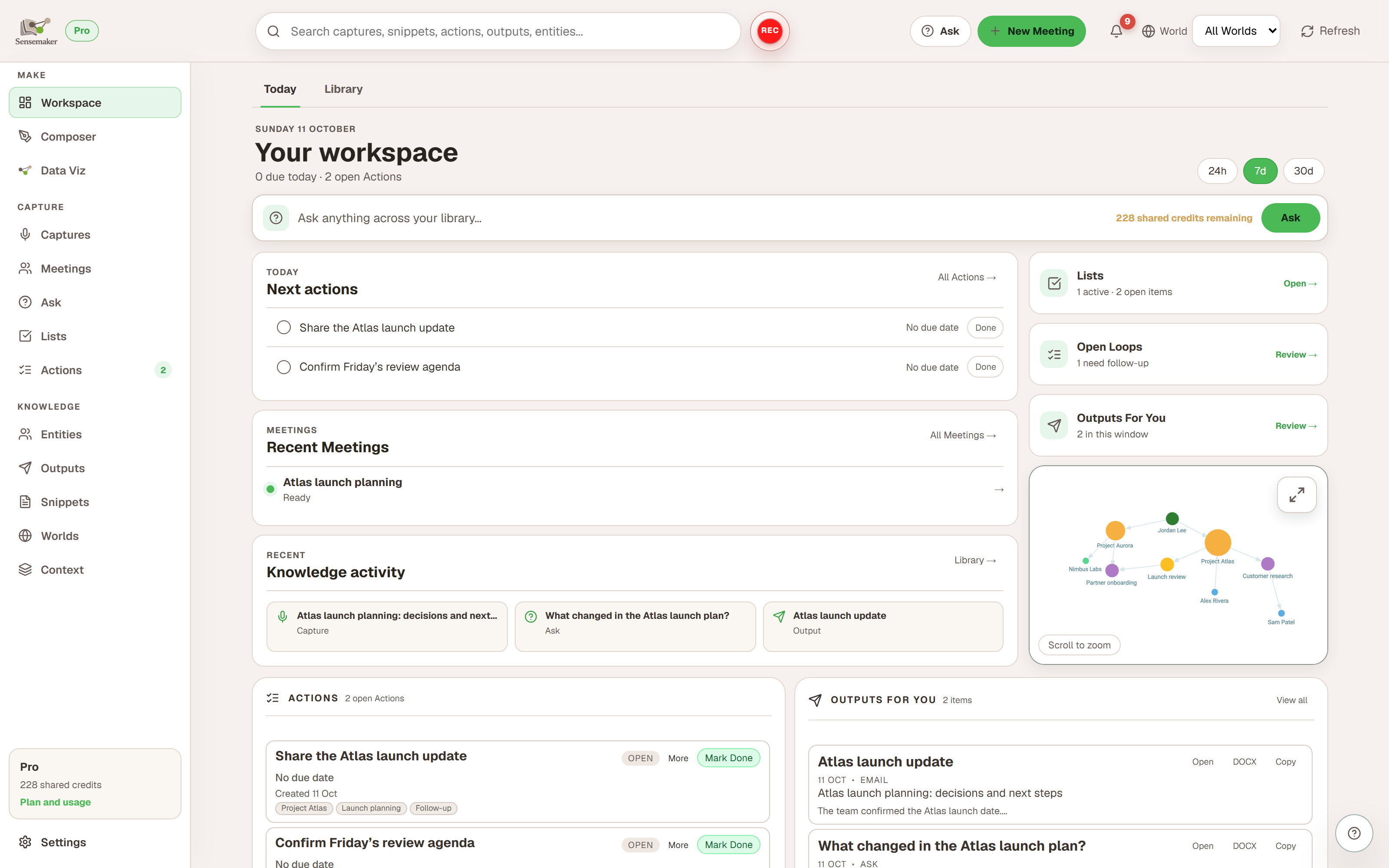
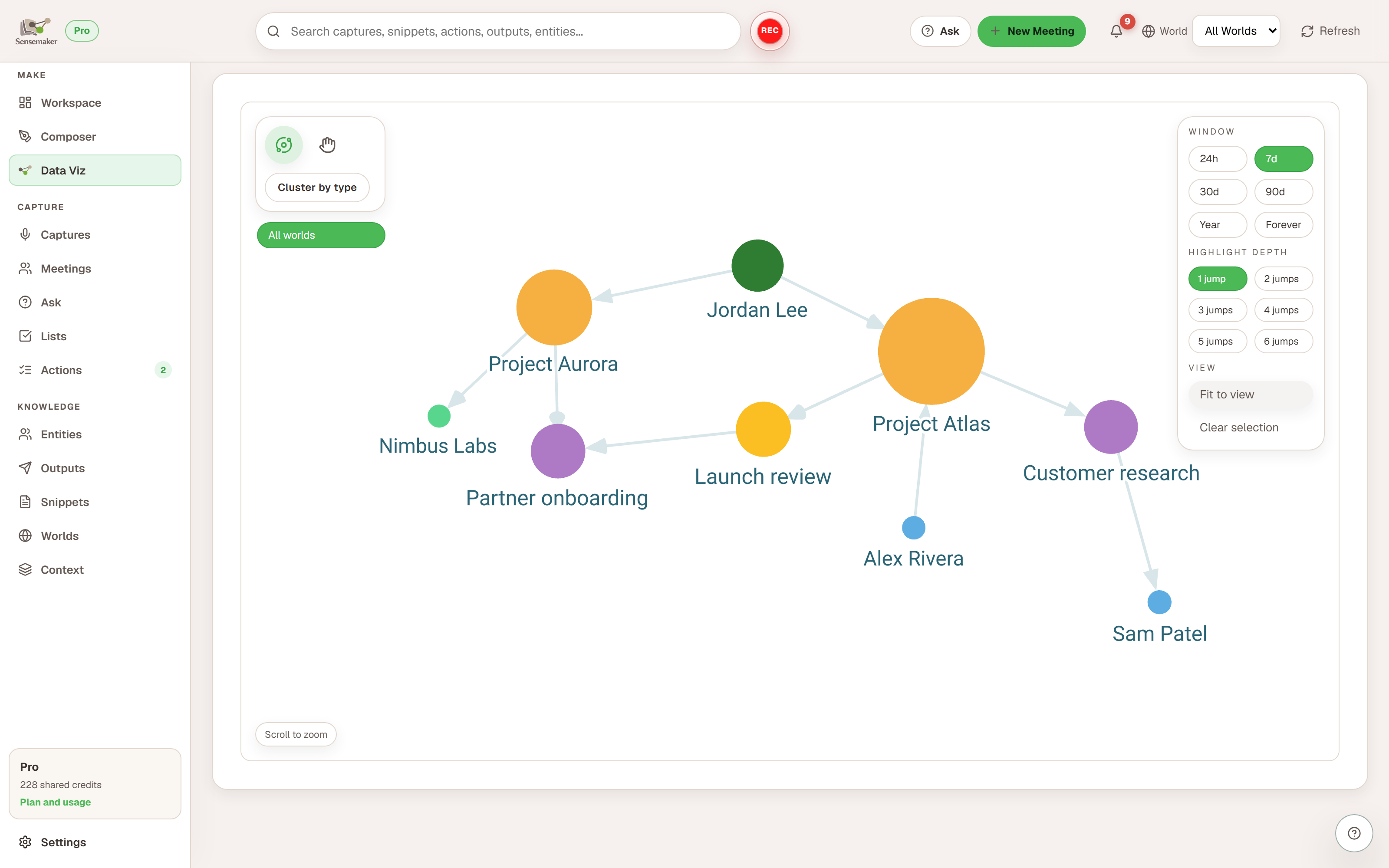
Captures, Meetings, notes, links, and files can add people, projects, topics, and relationships to the same workspace.
Start with direct intake, then add a connection when it saves you a step.